Automated SSL/TLS certificates
Request, install and auto-renew free certificates from Let's Encrypt or any other ACME Certificate Authority — on individual servers with the Certify Certificate Manager desktop app, and across your whole organization with Certify Management Hub.
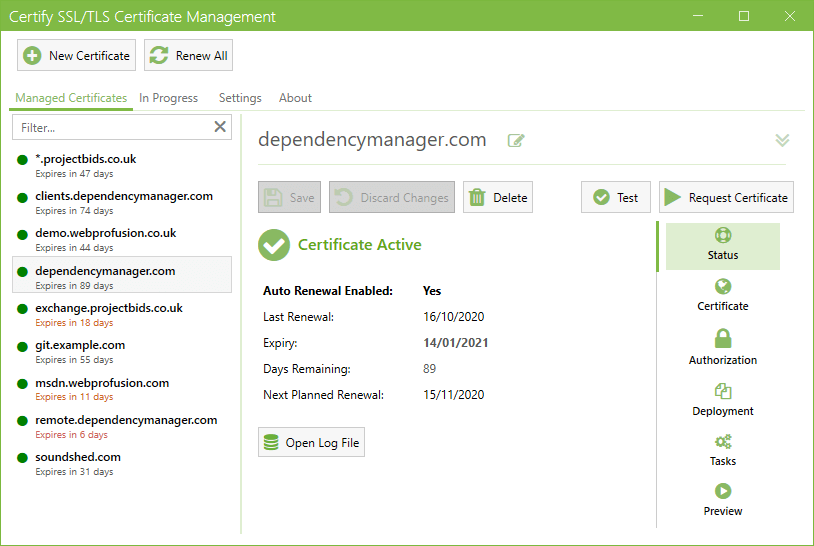
More than 200,000 installs used daily by organisations around the world, including:
Why Certify
Everything you need for hassle-free HTTPS
From a single certificate to several thousand — request, deploy and renew without the manual work.
Let's Encrypt & any ACME CA
Works with Let's Encrypt and any public or private Certificate Authority that supports ACME v2, including wildcard and multi-domain (SAN) certificates.
Built for IIS & Windows Server
Install in minutes, pick the domains to secure and let Certify request and deploy certificates straight into IIS — or any other service.
Set-and-forget auto-renewal
Certificates renew automatically before they expire, with status notifications and early warnings if a renewal repeatedly fails.
Deployment Tasks & scripting
Zero-scripting Deployment Tasks for MS Exchange, RDS, Apache, nginx and Tomcat — plus custom PowerShell hooks for anything else.
DNS validation & wildcards
Validate via a wide range of DNS providers for wildcard certificates, or delegate challenges to our hosted Certify DNS service.
Modern ACME, ready to scale
Supports ARI, ACME Profiles and IP address certificates, with optional SQL Server or PostgreSQL data stores for large-scale management.
Scales from one server to your whole organization
Start on a single server, then grow into centralized management, monitoring and DNS.
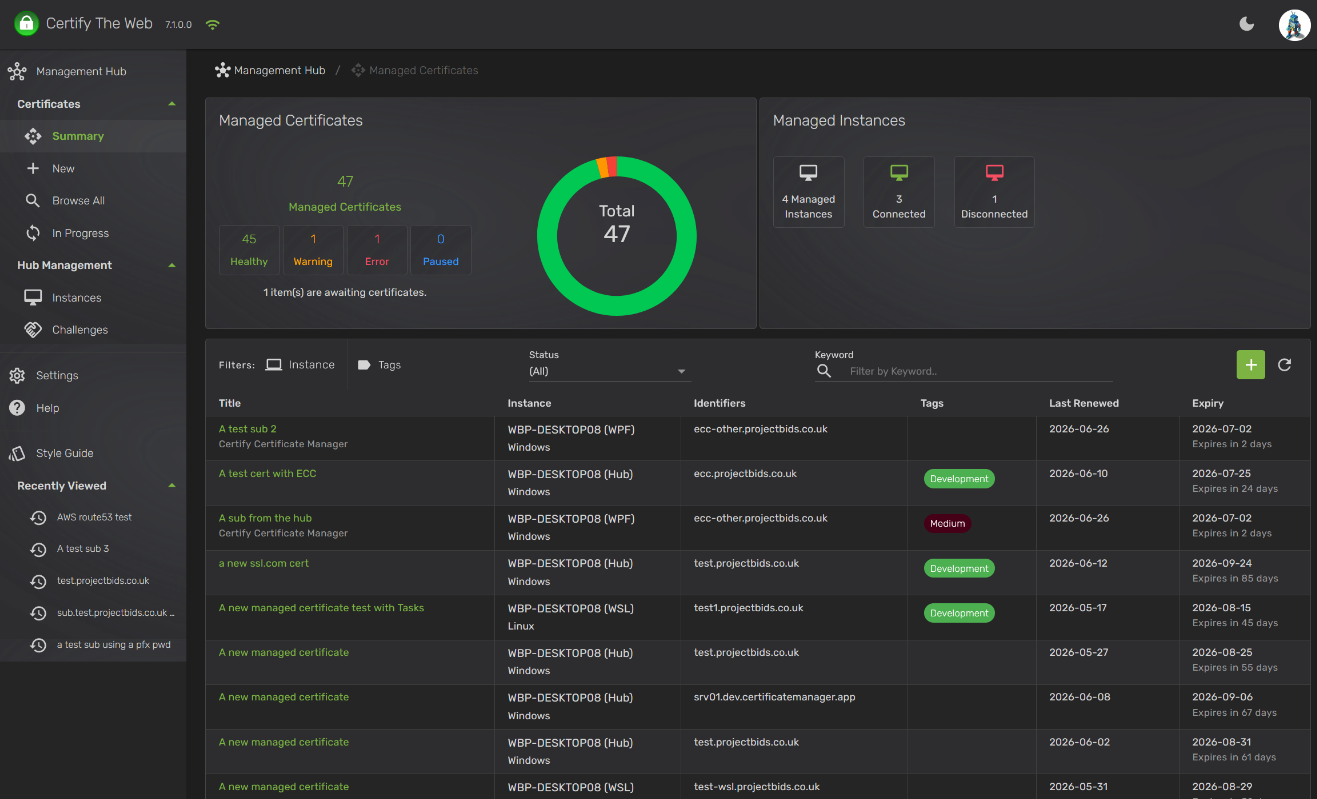
Certify Management Hub
Our new product for centralized certificate management across multiple servers, with a cross-platform web interface.
- All the core features of Certify Certificate Manager.
- Runs on Linux, macOS or Windows.
- Manage thousands of certificates across hundreds of instances from a single pane of glass.
- Multi-user, role-based access with scoped API access for apps and services.
- Optionally use Certificate Subscriptions to distribute certificates.
- Optional centralized DNS challenges and renewal monitoring for third-party ACME clients.
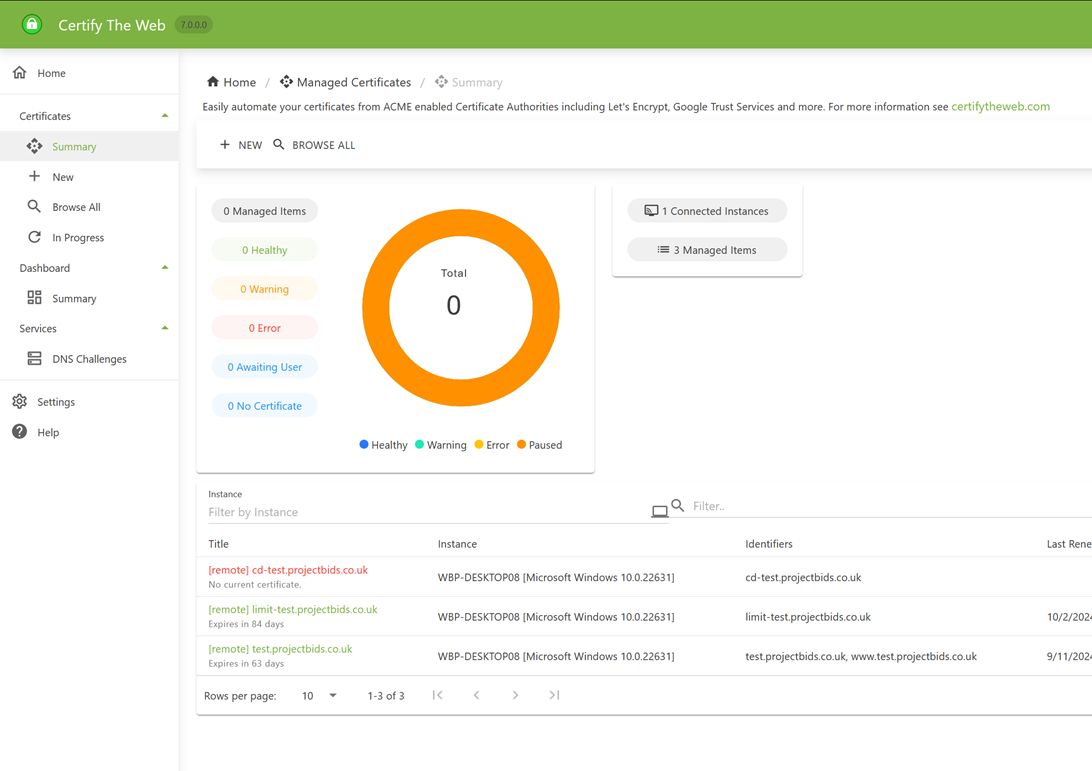
Certify Dashboard
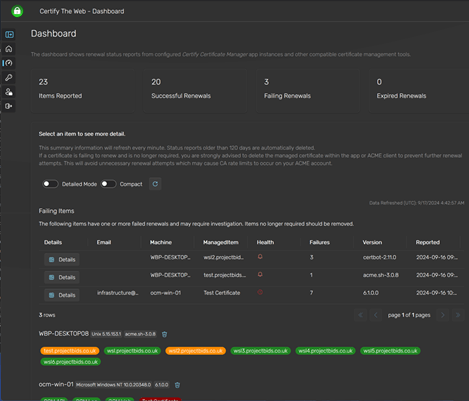
A managed solution to monitor certificate renewals across multiple servers on any OS, using a wide range of ACME clients such as Certify Certificate Manager, Certbot, acme.sh or your own custom reporting process.
- Integrates with Certify Certificate Manager
- Use with Certify Management Agent to monitor renewals from 3rd party ACME Clients.
Certify DNS
Perform ACME DNS challenges for your certificates without having to run and maintain your own acme-dns server just for DNS challenge delegation.
Certify DNS is our cloud-hosted implementation of the acme-dns protocol (CNAME delegation of ACME challenge TXT records). It is compatible with most existing acme-dns clients, so it works with other ACME clients on all operating systems. To get started, create an account (or sign in), then activate Certify DNS under License Keys.
Read more about Certify DNSGet started in minutes
Download and evaluate for free, with no feature limitations and no time limit, and our email helpdesk will help guide you while you evaluate. Installs run in unlicensed evaluation mode until you apply a license key. Commercial users and funded organisations are required to purchase a license key once they have completed their evaluation, which keeps your access to the helpdesk. You can also ask questions in our community forum.